

Decoding Your Nissan Z's Dashboard: What Every Light Actually Means
Why Dashboard Lights Matter More in a Performance Car
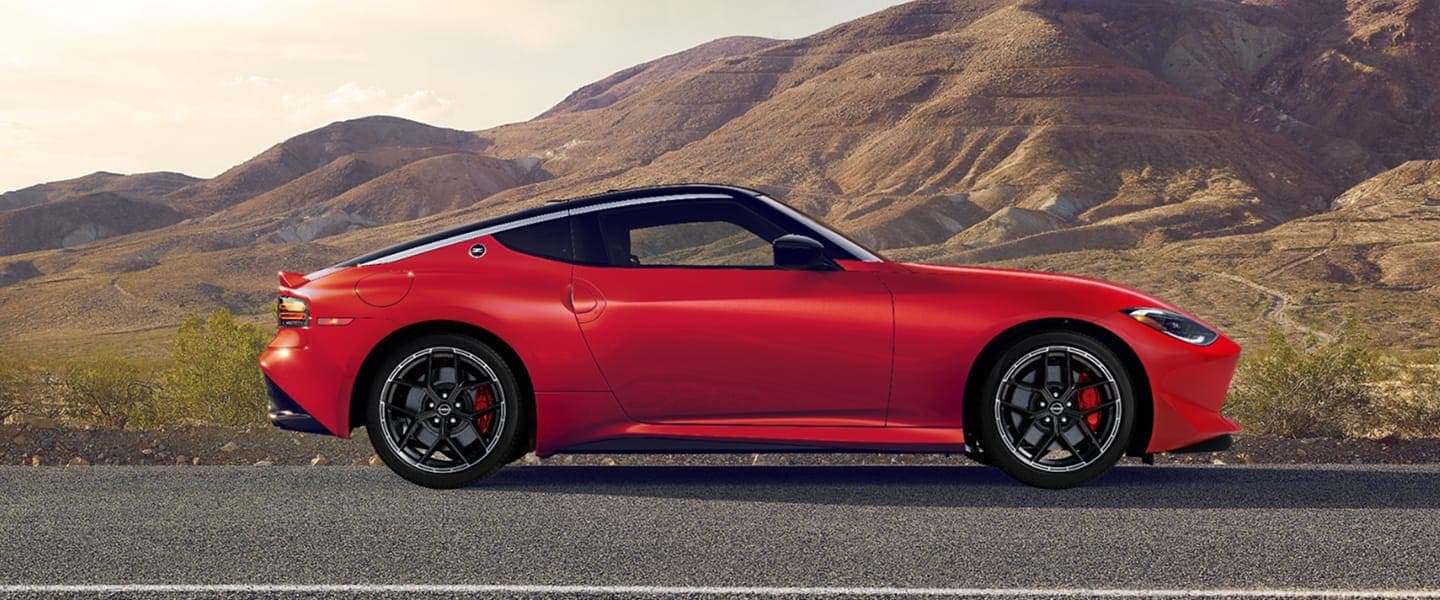
The Z, whether you're driving the twin-turbo VR30DDTT-powered current generation or an older 370Z/350Z, runs a tightly tuned engine under real stress. Boost pressure, oil temperature, and engine timing are constantly monitored. That means warning lights tend to appear for good reason. This isn't a car that nags you over nothing.
Related read: The Evolution of the Nissan Z Series
A quick note before the list: exact icon design varies slightly by model year and trim, and your owner's manual is the definitive source for your specific car. This guide is meant as a fast, practical reference, so it's a good idea to bookmark it.
Schedule Service Or call 833-620-4615
How to Read the Color System
- Red > Stop and address immediately. These involve safety systems or conditions that can cause serious damage if ignored.
- Amber/Yellow > Get it checked soon. The car is usually still safe to drive, but something needs attention. Some of these, like low fuel or low washing fluid, you can handle on your own.
- Green/Blue > Informational only. A feature is simply active.
- White/Gray > Status or mode indicators.
Red Warning Lights (Urgent. Stop driving as soon as you safely can.)
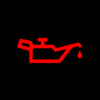
Oil Pressure Warning: Oil pressure has dropped below a safe level. Shut the engine off as soon as it's safe to do so. This is especially critical on the turbocharged current Z, where the turbos depend on oil pressure for lubrication.
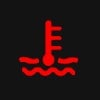
Engine Coolant Temperature Warning (thermometer in liquid): The engine is overheating. Continuing to drive risks warped heads, blown gaskets, or worse. Pull over and let the engine cool before checking coolant level.
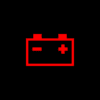
Battery/Charging System Warning: The alternator has stopped charging the battery. You may have a limited window of driving time before the battery depletes and the car stalls.
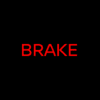
Brake System Warning: Indicates low brake fluid, a brake system fault, or (in many cases) that the parking brake is still engaged. Always check the parking brake first.
Electric Parking Brake Warning: A fault in the electronic parking brake system. Since there's no mechanical backup lever to fall back on, treat this seriously and have it inspected before relying on the parking brake.

Supplemental Air Bag Warning): Comes on briefly at startup as a bulb check. If it stays on or flashes, the airbag or seatbelt pretensioner system has a fault and may not deploy correctly in a collision.
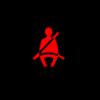
Seat Belt Warning: A front-seat occupant's seatbelt is unbuckled. Accompanied by a chime.
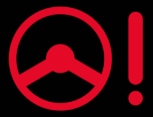
Power Steering Warning (steering wheel with "!"): Indicates an EPS (electric power steering) fault. Steering will become noticeably heavier; treat this as an immediate handling change, not just a light.
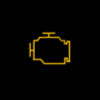
Malfunction Indicator Lamp / Check Engine (flashing) A flashing check engine light specifically points to an active misfire, which can damage the catalytic converters if you keep driving hard. Ease off the throttle and get it scanned promptly.
Amber/Yellow Warning Lights (Check Soon)
Check Engine Light (steady): A general fault code has been triggered, which could be anything from a loose gas cap to a failing sensor. Not urgent if steady, but shouldn't be ignored indefinitely.
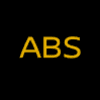
ABS Warning: The anti-lock braking system has a fault. Normal braking still works, but you lose ABS assistance during hard stops.
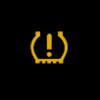
Tire Pressure Warning / TPMS: At least one tire has dropped below the recommended pressure. On the Z's staggered tire setup, this can affect handling balance well before it's visually obvious.
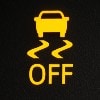
VDC (Vehicle Dynamic Control) / Traction Control Warning (car with skid marks): Lit steadily with no button pressed usually indicates a wheel speed sensor or system fault. If you intentionally turned VDC off, a separate "VDC OFF" indicator (below) shows instead.
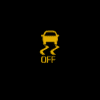
Slip Indicator (flashing version of the VDC icon above): Not a fault. his flashes during normal driving when the stability system detects wheel slip and is actively intervening, most often under hard acceleration or in wet conditions.
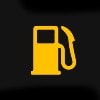
Low Fuel Warning (fuel pump icon): Fuel level has dropped to roughly the last gallon or two, varying by model.
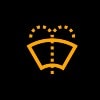
Washer Fluid Low (windshield with spray lines): Self-explanatory — top off washer fluid.
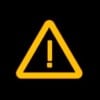
Master Warning Light (triangle with "!"): A general-purpose alert used on the current Z's digital cluster to flag that a message needs attention in the vehicle information display, check the display for specifics.
Steering Lock Warning (steering wheel with a lock icon): Indicates a fault in the electronic steering lock system tied to the push-button ignition.
Air Filter Warning (on certain trims, drop/filter icon): Cabin or engine air filter needs replacement.
Green/Blue Informational Lights

Turn Signal Indicators (green arrows): Standard directional signal confirmation. When you press the hazard button, both directions will flash.

High Beam Indicator (blue headlight beam icon): High beams are active.
Cruise Control Indicator (green speedometer-style icon): Cruise control is set and active.
Eco Mode Indicator: Indicates the drive mode selector is in Eco (fuel-economy-focused) mode on models with selectable drive modes.
Driver-Assistance Icons (Trim-Dependent)
These appear mainly on later 370Z Sport trims and the current-generation Z, which added more ADAS features than the earlier 350Z.
Blind Spot Warning (BSW) - OFF (2 cars with a radar arc, plus "OFF"): Indicates the blind spot monitoring system has been manually turned off (or, if you didn't turn it off, may indicate a sensor obstruction worth checking).
Forward Collision Warning (Car icon with radar-style lines in front): This activates briefly when the system detects a potential frontal hazard; it isn't a fault indicator on its own.
Lane Departure Warning (Car straddling lane lines): Indicates the system has detected unintentional lane drift, on trims equipped with it.
Front/Rear Sonar (Parking Sensors) (vehicle with sensor waves at the bumpers): Indicates an obstacle has been detected while parking.
Turbo & Performance Gauges (Current Z / VR30DDTT)
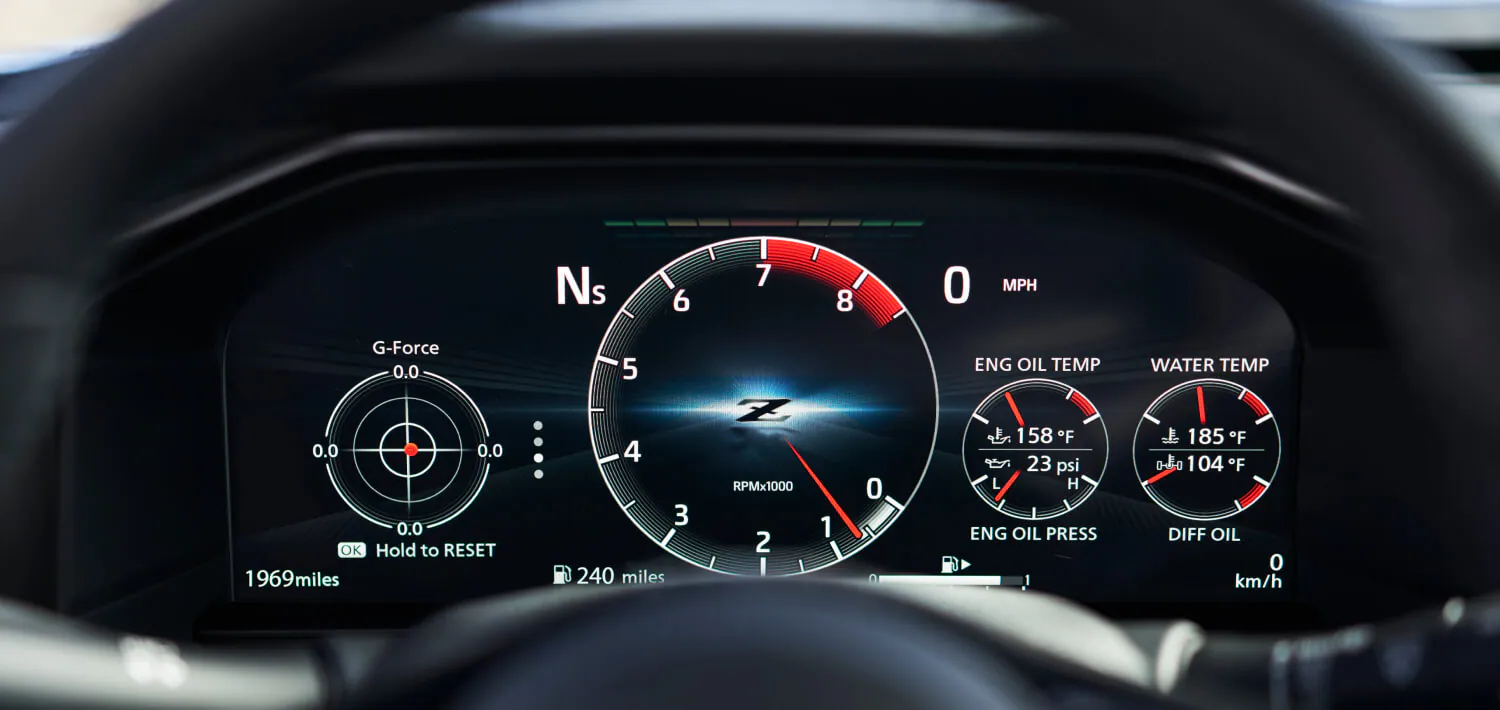
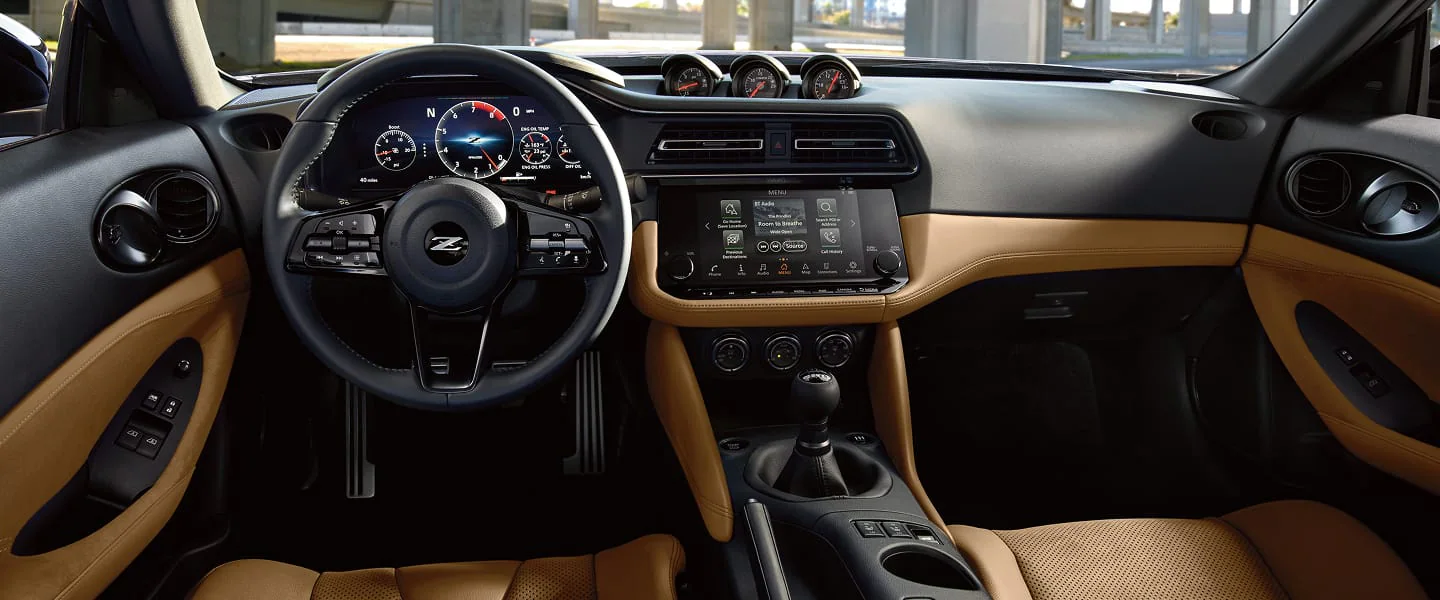
The current Z has an optional triple-gauge pod and digital cluster to add readouts beyond the standard warning lights.
- Boost Gauge > Shows real-time turbo boost pressure; not a warning light itself, but worth monitoring during hard driving.
- Oil Temperature Gauge > Sustained high readings under track use are a signal to back off and let temperatures normalize.
- Voltmeter > A slow decline over time can be an early warning of a failing alternator or battery, often before the red battery light triggers.
Quick Action Guide
What It Means: Safety-critical or damage risk
What To Do: Pull over safely; stop driving if oil pressure, coolant temp, or brakes are involved
What It Means: Needs attention soon
What To Do: Continue driving cautiously; get it scanned or inspected within days
What It Means: Active, urgent condition
What To Do: Treat as more serious than the same light steady — reduce speed/load immediately
What It Means: Feature is active
What To Do: No action needed
When more than one light appears at once, look for a single root cause first. A failing alternator, for example, can trigger the battery light, ABS light, and VDC light simultaneously as voltage drops. A code scan with an OBD-II reader will usually clarify which fault came first.
What To Do When a Light Comes On
- Note the color. Red generally means stop now; amber/yellow means get it checked soon, but you can usually keep driving carefully.
- Check for a flashing pattern. Flashing lights, especially the check engine light, indicate urgency beyond a steady light.
- Don't stack problems. If multiple lights appear at once, it's often a single root cause, like a failing alternator, triggering several warnings simultaneously. Don't panic-diagnose each one separately.
- Get a code scan. An OBD-II reader will pull the exact fault code, turning a guessing game into a specific answer.
The Bottom Line
Your Z's dashboard is designed to tell you exactly what it needs, when it needs it. Learning to read those signals (rather than dismissing them or panicking) keeps the car reliable and you safe behind the wheel. When in doubt, a quick scan by one of our certified technicians can prevent you from being stranded on the side of the road.
Schedule Service | Call 833-620-4615